Guides2 min read
Automate wishlist emails with FluentCRM
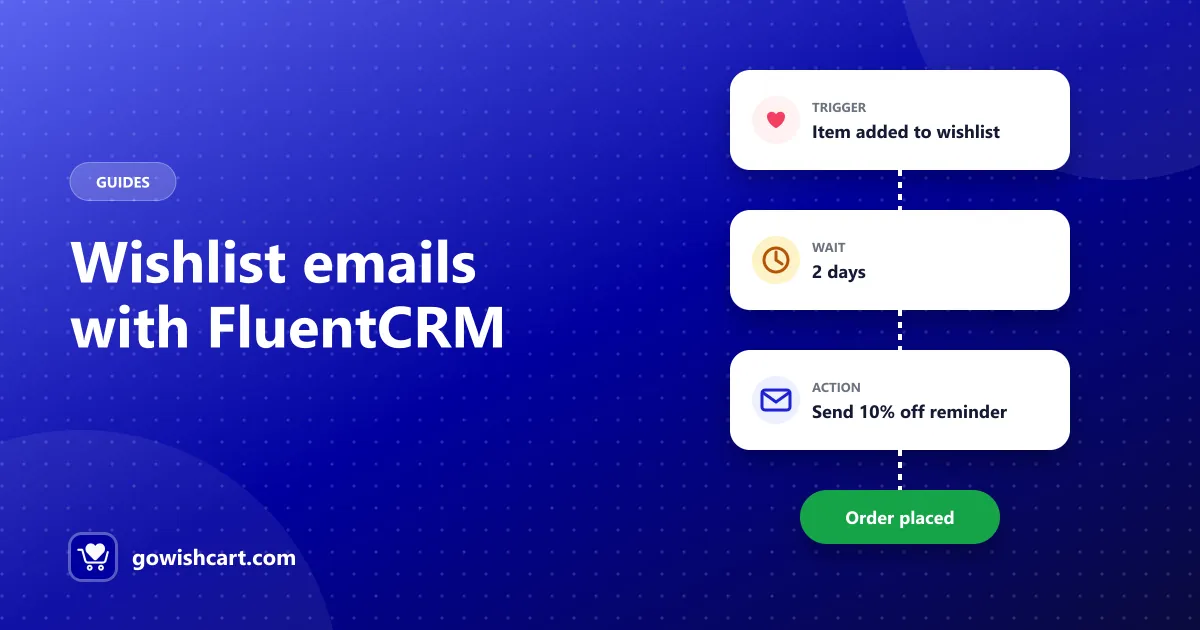
Use GoWishCart’s four FluentCRM triggers — item added, item removed, price drop and back in stock — to build wishlist email funnels for your FluentCart store.
Free WordPress plugin · v2.0.3
GoWishCart lets customers and guests save products — down to the exact size and color — then emails them when prices drop or items return to stock.
$89.00$110.00
Color
Size
My wishlist
1 savedFluentCRM trigger: Back in stock
Built for the FluentCart ecosystem
Turn “maybe later” into a sale — without custom code.
A one-click “Add to wishlist” button on product pages, so shoppers can come back and buy.
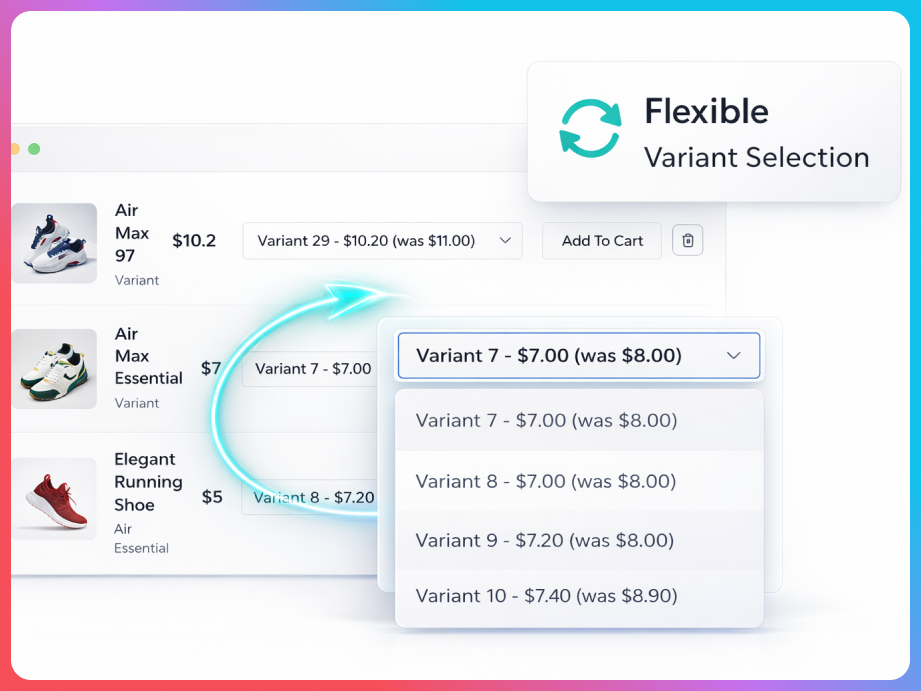
If a shopper picks a color or size, that exact variant is what lands in their wishlist.
Visitors can build a wishlist without creating an account — no signup wall before the sale.
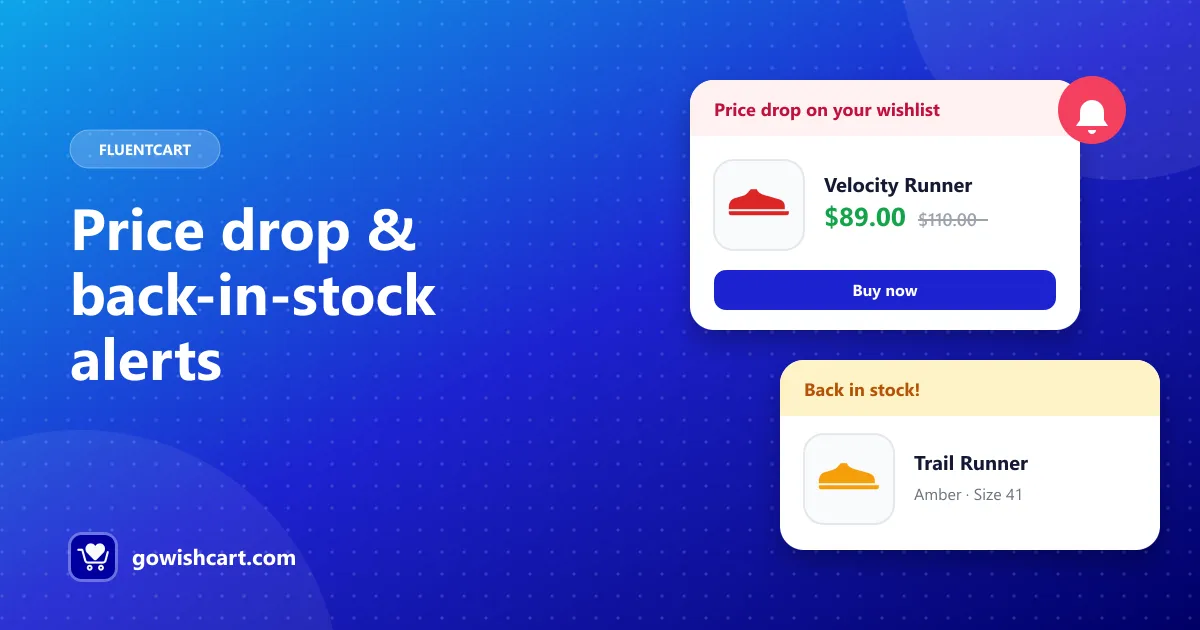
Customers get an email when a saved item goes on sale or comes back in stock.
Turn wishlist activity into email funnels with four ready-made FluentCRM triggers.
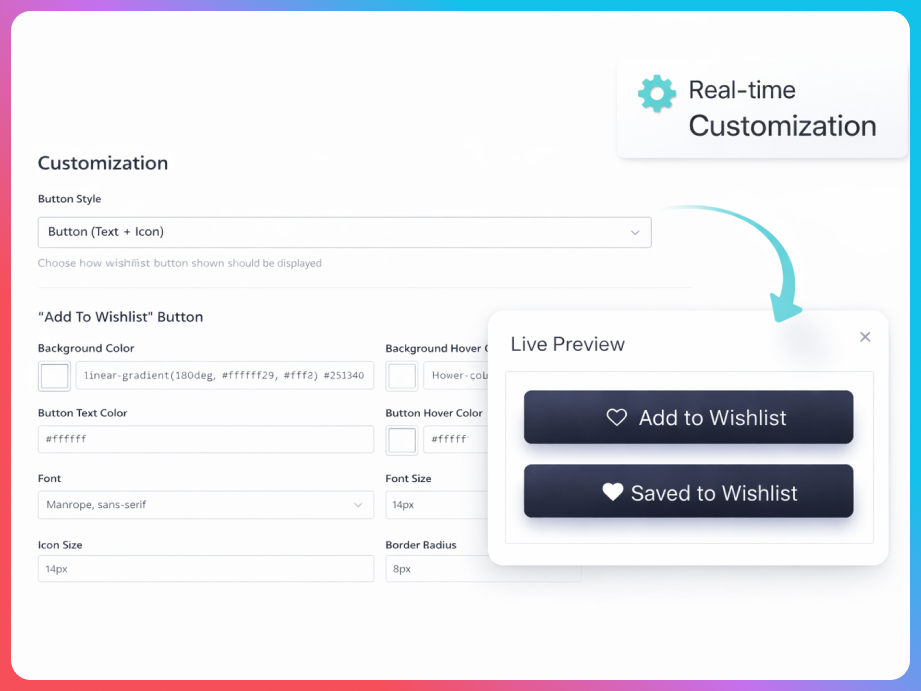
Choose where the button shows, what it says and which icon it uses.
From wish to order
GoWishCart watches what shoppers want and tells them the moment it’s a good time to buy.
One click on “Add to wishlist” — with the exact color and size they picked. No account needed.
GoWishCart notices and emails the shopper automatically, so the sale doesn’t slip away.
Wishlist events trigger your FluentCRM funnels — reminders, coupons, cross-sells.
Clean, native-looking wishlist UI and a simple settings screen.
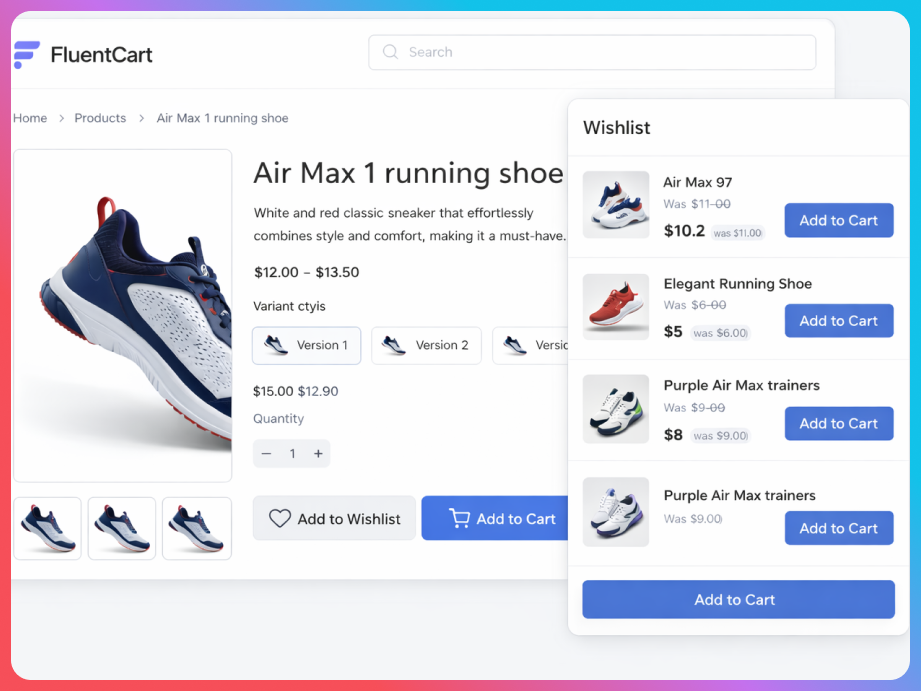
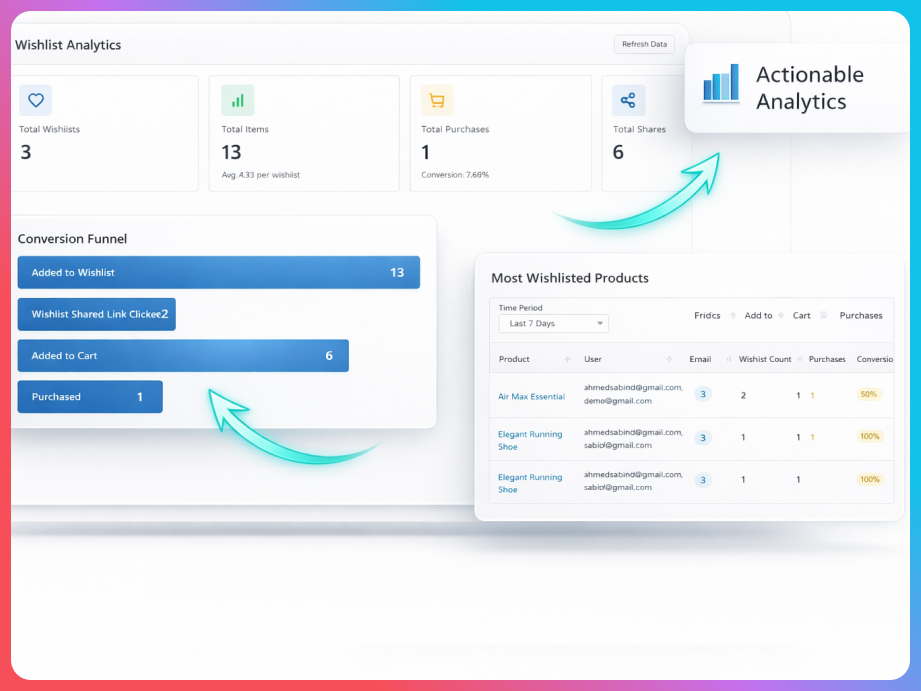
The core wishlist experience is free. Pro adds multiple lists, sharing and analytics.
| Feature | Free | Pro |
|---|---|---|
| Add to wishlist on product & shop pages | ||
| Product variation support | ||
| Guest wishlists | ||
| Price drop & back-in-stock alerts | ||
| FluentCRM automation triggers | ||
| Custom button position, text & icons | ||
| Multiple wishlists per customer | — | |
| Shared / public wishlists | — | |
| Social sharing (Facebook, X, Pinterest, WhatsApp, email) | — | |
| Analytics & wishlist-to-cart conversion tracking | — |
GoWishCart runs on top of FluentCart, so make sure it’s installed and active.
Search “GoWishCart” under Plugins → Add New, then install and activate it.
Choose the wishlist page, button position and labels. Your store is ready.
From the blog
Use GoWishCart’s four FluentCRM triggers — item added, item removed, price drop and back in stock — to build wishlist email funnels for your FluentCart store.
Turn wishlists into sales with automatic price drop and back-in-stock emails. How GoWishCart alerts work, who receives them and how to get the most from them.
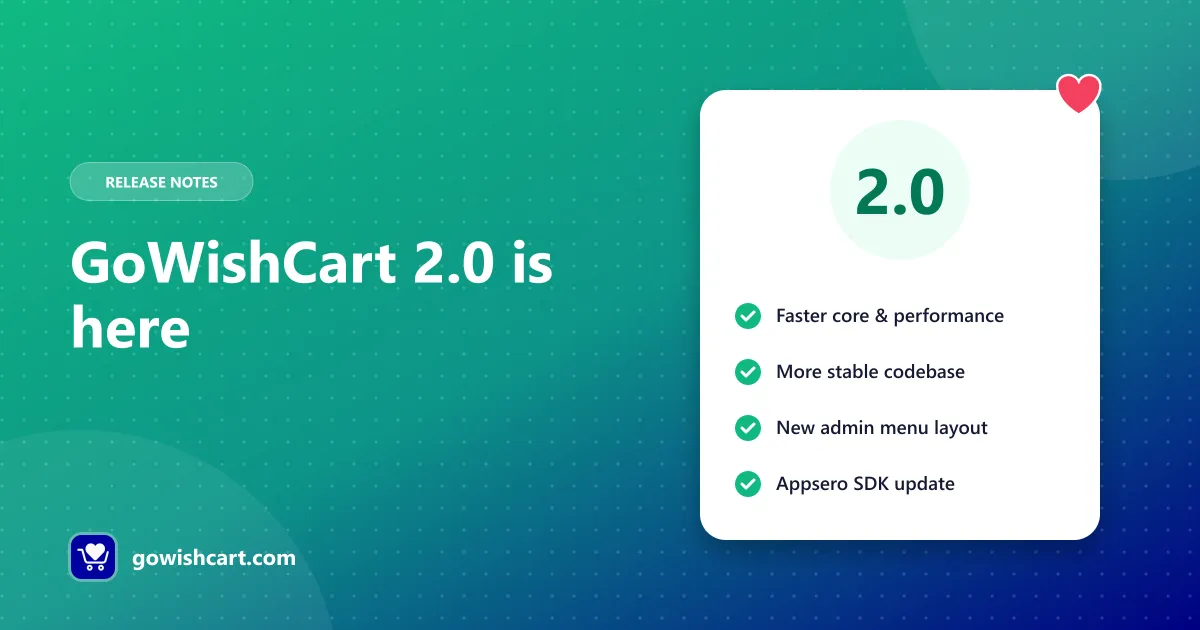
GoWishCart 2.0 brings better core performance, a more stable codebase and a new admin menu layout. Here is what changed from 2.0.0 to 2.0.3 and how to update.
GoWishCart is a free wishlist plugin for WordPress stores built on FluentCart. Customers and guests can save products and specific variations, get price drop and back-in-stock emails, and store owners can trigger FluentCRM automations from wishlist activity.
The core plugin is free on WordPress.org, including guest wishlists, variation support, notifications and FluentCRM triggers. Multiple wishlists, social sharing, public wishlists and analytics are part of GoWishCart Pro.
Yes. GoWishCart is built specifically for FluentCart and requires it to be installed and active. It works with FluentCart products, variations, pricing and checkout.
Guests can create and manage a wishlist without an account. The wishlist is stored with a session cookie, and you can optionally capture the guest’s email to send notifications.
Yes. When a customer selects a color, size or other variation and adds it to their wishlist, that exact variant is saved and shown on their wishlist page.
GoWishCart adds four FluentCRM automation triggers: item added to a wishlist, item removed, price drop and back in stock. Use them in FluentCRM funnels to send targeted emails.
Yes. Enable “Show Button on Shop Page” in the GoWishCart settings to add the button to product archive and shop pages.
GoWishCart can create a wishlist page for you, or you can add the [gowishcart_wishlist] shortcode to any page. Use [gowishcart_wishlist_button] to place the add-to-wishlist button anywhere.
WordPress 5.0 or newer, PHP 7.4 or newer and the FluentCart plugin. FluentCRM is optional, for automation triggers.
Free on WordPress.org. Set up in minutes.
Get GoWishCart free